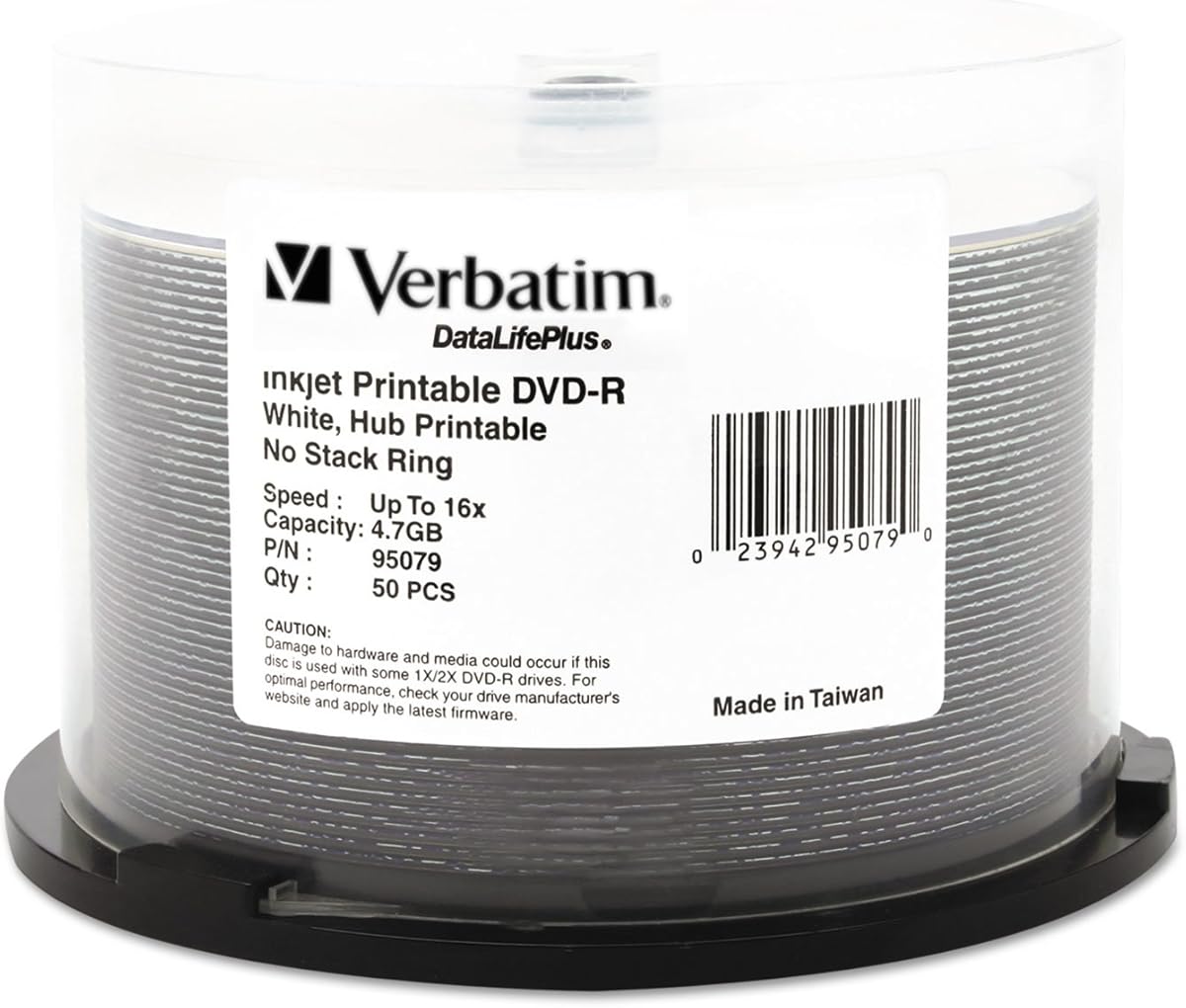
Verbatim DataLifePlus DVD-R 4.7GB 16X Hub Printable
4.6Editor score
50-disc spindle
4.7GB per disc
Up to 16X recording
Edge-to-edge hub printing
Our printable DVD R discs guide compares 10 options for capacity, printability, recording speed, compatibility, pack size, and archival features for all users.
Printable DVD R discs combine write-once optical storage with a white inkjet-printable surface, making them useful for labeled video collections, photo archives, backups, and data distribution. A strong choice should balance capacity, recording speed, printer compatibility, print quality, and dependable playback across the devices you already use.
We compared the ten products in this guide using their listed capacity, recording speeds, printable areas, pack sizes, device support, and storage technologies. The list covers standard 4.7GB DVD-R media, dual-layer DVD+R DL alternatives, and options ranging from compact spindles to bulk packs designed for high-volume duplication.
Each review explains the practical strengths and limitations of its featured disc, followed by guidance on who is most likely to benefit. Ratings reflect the supplied customer feedback, while availability and prices can change, so readers should confirm current listing details before making a purchase.
4.6Editor score
4.5Editor score

4.2Editor score
This side-by-side comparison highlights the differences in capacity, recording speed, printable format, pack quantity, and stated device compatibility. The table makes it easier to identify standard DVD-R duplication media, large-volume options, and higher-capacity dual-layer discs.


The Verbatim DataLifePlus DVD-R 4.7GB 16X Hub Printable Discs, 50 Pack is a versatile choice for people who want dependable write-once media without moving beyond the standard DVD-R format. Its four key advantages are a 4.7GB capacity per disc, speeds from 1X through 16X, a printable surface extending to the hub, and compatibility with a broad range of drives, duplicators, and inkjet disc printers.
We may earn a commission when you buy through this link, at no additional cost to you.
Its printable white surface is designed for full-color labels with crisp text and fast ink absorption. Verbatim states that the surface supports resolution up to 5,760 DPI, which is especially useful when the disc art includes photographs, small type, or detailed graphics. The AZO recording dye and compatibility testing across leading manufacturers reinforce its appeal for both short-term distribution and longer-term storage projects.
The main limitation is inherent to DVD-R: once finalized, a disc cannot be erased and reused. Buyers must therefore organize files carefully before burning them and should keep a separate backup of anything that cannot be replaced. A compatible inkjet disc printer is also needed for the full visual result, and ordinary marker writing may not produce the polished result of a full-color print.
This is a strong recommendation for home archiving, event video, client deliverables, and educational collections. Buyers wanting a manageable quantity can use it for a focused project, while those creating frequent distributions may find the 100-disc options more convenient. Overall, it combines useful capacity, fast recording support, and professional printing potential without introducing a more specialized format.
The edge-to-edge white inkjet surface supports labels that extend into the hub area, providing more room for artwork than a narrow ring label. Its stated 5,760 DPI image quality and fast-drying surface are useful for sharp text and full-color graphics.
Recording from 1X to 16X gives users flexibility with compatible writers and duplicators. The write-once format is suited to stable archives of videos, photos, music, backups, and other digital files.
We may earn a commission when you buy through this link, at no additional cost to you.
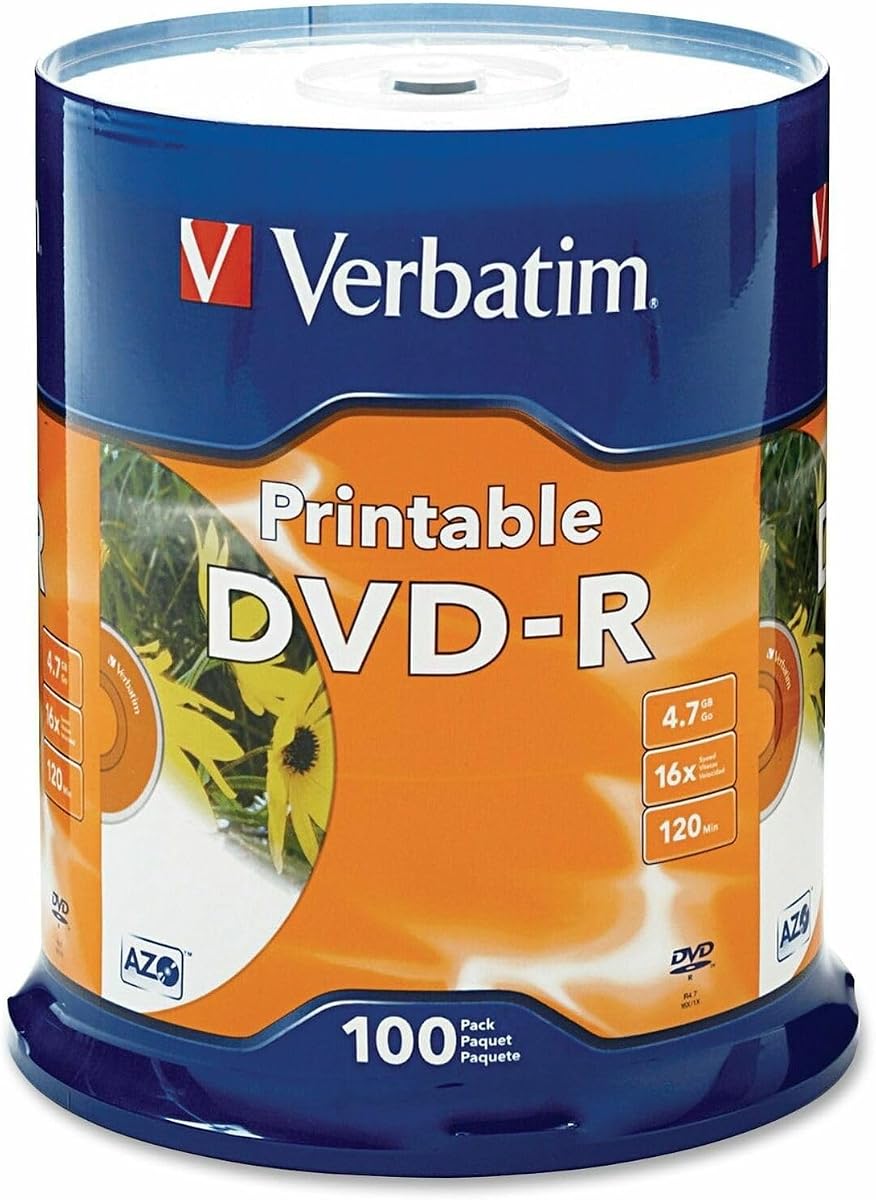
The Verbatim DVD-R 4.7GB 16X White Inkjet Printable with Branded Hub is an excellent all-around option for frequent DVD production. It combines a 100-disc spindle with 4.7GB per disc, support for recording up to 16X, and a white surface intended for crisp, full-color labels through compatible inkjet disc printers.
We may earn a commission when you buy through this link, at no additional cost to you.
Each disc can hold up to 4.7GB of data or approximately 120 minutes of DVD-quality video. The stated compatibility with supported DVD-R writers, DVD-ROM drives, and DVD video players makes the format broadly practical for distributing video, preserving photos and music, or creating backup sets that remain easy to identify.
The trade-offs are familiar rather than product-specific. DVD-R media is write-once, so file selection and authoring must be finalized before recording. Buyers without a compatible inkjet disc printer would be paying for a capability they cannot use directly, and those needing more room for large files may prefer a dual-layer option.
This pick is ideal for schools, clubs, small businesses, event organizers, and dedicated archivists producing dozens or hundreds of labeled discs. The large spindle reduces replenishment interruptions, while the 16X support helps streamline duplication. For most standard printable DVD-R needs, it offers the most convincing balance of capacity, quantity, printing support, and compatibility.
The 100-disc format suits recurring duplication runs without the handling associated with many smaller packages. It is a practical choice for organizations that distribute the same collection to many recipients.
The printable surface emphasizes crisp text, strong ink absorption, and rapid drying. These qualities help prevent visually smeared labels while keeping each disc recognizable in a collection.
We may earn a commission when you buy through this link, at no additional cost to you.
The Verbatim Life Series DVD-R 16X 4.7 GB/120 Minute Inkjet Printable 100-Pack Spindle focuses on the essentials needed for large labeling projects. It provides standard 4.7GB DVD-R media, a 120-minute video capacity, support for recording up to 16X, and an inkjet-printable surface in a generous 100-disc quantity.
We may earn a commission when you buy through this link, at no additional cost to you.
Its straightforward specification makes it useful for organizations that want to avoid overcomplicating their workflow. Standard DVD-R discs remain familiar to burning software, desktop drives, and duplicators, while the printable surface supports more professional identification than an unprinted disc. The 120-minute capacity aligns with conventional DVD-video projects and standard-length content sets.
The supplied product information is concise, so buyers should review the current package details before ordering. Compared with other Verbatim choices, this listing provides less explicit information about exact printer coverage and the extent of the printable area. It also retains the same write-once limitation as every other DVD-R product in the guide.
This spindle is most appropriate for schools, community groups, businesses, and individuals producing labeled DVDs in quantity. It may appeal to buyers who prioritize a recognized brand, a large pack, and fast supported recording over highly detailed packaging information. Confirming compatibility with the intended writer and printer before a large order is sensible.
A familiar 4.7GB DVD-R format helps streamline project planning because it matches conventional DVD-video capacity. The result is a practical choice for recurring distributions and archival sets.
One hundred printable discs provide enough material for substantial labeling batches. This makes the spindle useful for organizations that need consistent, customized disc artwork across many copies.
We may earn a commission when you buy through this link, at no additional cost to you.
The Verbatim DVD-R 4.7GB 16X White Inkjet Printable Discs, 50 Pack is a solid choice for labeled photo collections and mixed-media archives. The discs provide 4.7GB of storage, support recording from 1X to 16X, and offer a white inkjet-printable surface designed for high-quality color labels.
We may earn a commission when you buy through this link, at no additional cost to you.
Verbatim specifically states that one disc can store up to 1,550 photos or more than 120 minutes of 720p video. AZO recording dye is intended to optimize read and write performance, making the format attractive for files that users want to organize on identifiable physical media rather than leave in a changing digital ecosystem.
The 50-disc count is moderate, making it easier to start a collection without committing to the largest possible spindle. However, the standard 4.7GB capacity may become restrictive for uncompressed photography, long-form video, or modern high-resolution media, and the one-time write format prevents simple corrections after burning.
This disc is well matched to photographers, educators, family archivists, and hobbyists who want both full-color labeling and useful storage per disc. Those producing large batches can choose the 100-disc versions, while buyers handling long-form or exceptionally large files may need a higher-capacity alternative.
The white inkjet surface supports full-color, high-quality labels with crisp text and rapid drying. That makes each disc easier to organize visually and more suitable for presentation.
AZO technology is designed to support dependable read and write performance. It is a useful complement to the disc's broad supported speed range when archiving photos, videos, or data.
We may earn a commission when you buy through this link, at no additional cost to you.
The Verbatim LifeSeries DVD+R DL 8.5GB 8X Hub Printable Discs are the premium-capacity selection in this guide. Each dual-layer disc holds 8.5GB or approximately four hours of video, providing twice the space of a standard DVD+R disc while retaining a printable white surface.
We may earn a commission when you buy through this link, at no additional cost to you.
The format supports recording up to 8X with compatible writers and duplicators. Its listed compatibility extends to supported dual-layer drives, most standard DVD players, DVD-ROM drives, and leading inkjet disc printers. The result is a practical option for longer recordings or data sets that would otherwise need multiple standard discs.
The important caveat is hardware compatibility. A burner must support DVD+R DL media, and a user planning to play discs should confirm that the target player or drive can read dual-layer discs. The 8X maximum is also lower than the 16X figures associated with several standard DVD-R choices, although actual speed depends on the writer, source, and file workload.
This is the premium pick for videographers, schools, training programs, and archivists who want fewer discs for longer content. It combines an extended printable area with doubled capacity, making it particularly attractive for full-length video collections. Users with older or narrowly supported hardware should confirm dual-layer capability before committing.
The 8.5GB capacity and approximately four-hour video allowance reduce the number of discs required for longer projects. This can also simplify labeling when entire sessions or chapters fit on a single medium.
The white hub-printable surface supports full-color, edge-to-edge artwork on compatible inkjet printers. It gives longer projects a polished appearance while reducing the number of physical items to label.
We may earn a commission when you buy through this link, at no additional cost to you.
The Verbatim DataLifePlus DVD-R 4.7GB 16X Hub Printable Discs, 100 Pack is built for bulk archival and distribution needs. It combines a substantial spindle count with 4.7GB capacity, fast recording support, and an inkjet hub-printable surface for customized labels.
We may earn a commission when you buy through this link, at no additional cost to you.
Verbatim describes these as high-grade, non-rewritable discs with a stated one-hundred-year archival life and OEM drive certification. The AZO recording dye is designed to optimize read and write performance, while the printable surface supports full-color, high-resolution printing with fast drying and longer-lasting colors.
Those long-term claims still depend on proper storage. Discs should be kept away from heat, moisture, direct sunlight, and physical damage, and no single optical format can replace a sound backup strategy. The 100-disc quantity may also be more than a casual buyer needs, making the 50-disc products more approachable for smaller projects.
This pack is a good fit for institutions, media collections, event organizers, and regular duplicators that need many labeled records. It provides fast recording, broad print support, and a large quantity in one package. For personal projects with a modest number of discs, consider whether the quantity will be used before selecting it.
The stated one-hundred-year archival life makes the media appealing for long-term physical collections when discs are stored properly. OEM drive certification and AZO dye support consistent handling across compatible equipment.
The hub-printable surface supports high-resolution, full-color artwork with rapid ink drying. That combination helps users produce clearly identified discs for large, organized collections.
We may earn a commission when you buy through this link, at no additional cost to you.
The Verbatim DVD-R 4.7GB 16X White Inkjet Printable with Branded Hub, 25-Disc is a compact option for projects requiring professional labels without a large inventory. Its smaller spindle is easier to finish, store, or use for a single event, wedding, class, or client presentation.
We may earn a commission when you buy through this link, at no additional cost to you.
The discs provide standard 4.7GB storage and support recording speeds from 1X through 16X. Their full-color printable surface extends across the hub, and the listing highlights rapid ink drying, longer-lasting colors, and AZO recording dye for read and write performance. Compatibility is stated with disc printers from Primera, Microboards, Epson, and others.
The smaller quantity can be either an advantage or a limitation. It reduces unused stock for one-off work but may require repeated purchases for a recurring duplication program. The write-once format also means planning and backing up files before burning, while the standard capacity remains less suitable for large modern video files.
This spindle is ideal for consumers and small organizations who want a manageable batch of branded, labeled DVDs. It offers the core benefits of a recognized Verbatim product without the commitment of a 100-disc spindle. Users producing only a few personalized copies may still find 25 discs more than necessary.
Twenty-five discs fit many focused production tasks, including a small event or a bounded client project. The quantity is easier to use completely than a much larger archive spindle.
Hub printing allows artwork to use the full width of the disc. Rapid ink drying and durable colors help produce clean labels suitable for presentation and organized distribution.
We may earn a commission when you buy through this link, at no additional cost to you.
The Verbatim DVD+R 4.7GB 16X DataLifePlus White Inkjet Printable is a useful alternative to DVD-R media. It retains the familiar 4.7GB capacity and 16X supported recording speed while using the DVD+R format, giving buyers more choice when selecting media for a particular writer or workflow.
We may earn a commission when you buy through this link, at no additional cost to you.
Its high-grade white surface is designed for full-color, photo-quality labels, rapid drying, and strong ink absorption on printers capable of 5,760 DPI output. The listing states compatibility with CD and DVD inkjet printers from Primera, Microboards, Epson, and other supported manufacturers. One disc can hold up to 1,550 photos or more than 120 minutes of 720p video.
The format distinction matters. Buyers specifically searching for DVD-R should understand that DVD+R is a related but different write-once format, even though it can suit many general-purpose projects. The product also lists a one-year limited warranty rather than the lifetime warranty associated with several other Verbatim choices in this guide.
It is best suited to users who are comfortable with DVD+R and want a balanced 50-disc package with quality printing. Video producers, photographers, and schools may find the stated archival life and photo capacity useful. Always verify that the intended authoring software, drive, printer, and player support the format you purchase.
The surface is qualified for printers from Primera, Microboards, Epson, and others, with particular attention to high-resolution ink absorption. It suits discs whose identity depends on crisp text or detailed artwork.
Each disc provides room for a large photo collection or more than 120 minutes of 720p video. This makes the format useful for mixed personal archives, event recordings, and educational distributions.
We may earn a commission when you buy through this link, at no additional cost to you.
The 100 Pack Shrink Wrap DVD-R is designed for high-volume duplication with an emphasis on efficient handling. The package contains 100 blank 4.7GB DVD-R discs in shrink wrap rather than a conventional spindle, and sturdy wheel caps help protect the stack during transport.
We may earn a commission when you buy through this link, at no additional cost to you.
Its printable surface covers 23mm to 118mm for edge-to-edge labeling with compatible optical disc inkjet printers. The listing names Primera, Microboards, Rimage, DiscProducer PP-100, and PP-50 among supported printer brands. Recording speeds of up to 16X can accelerate routine duplication tasks when used with suitable hardware.
The absence of a container is the defining trade-off. Shrink wrap is efficient for bulk shipment and storage in a tight workspace, but it may be less convenient than a spindle for feeding a printer one disc at a time. The listing does not state the same branded warranty or archival claims associated with several Verbatim products, so buyers should judge the listing on its stated specifications.
This product suits schools, rental libraries, training providers, and duplication businesses that consume media consistently. Its broad stated playback compatibility is useful when discs need to travel to varied drives, players, and gaming systems. For personal or occasional use, a spindle package may be easier to manage.
Shrink wrap keeps the 100 discs together while wheel caps help prevent warping or damage during transport. This format makes sense for bulk orders moving directly into a duplication workflow.
The printable area extends from 23mm to 118mm, supporting broad artwork coverage. The discs also have stated compatibility with a wide range of DVD and Blu-ray drives, gaming systems, and players.
We may earn a commission when you buy through this link, at no additional cost to you.
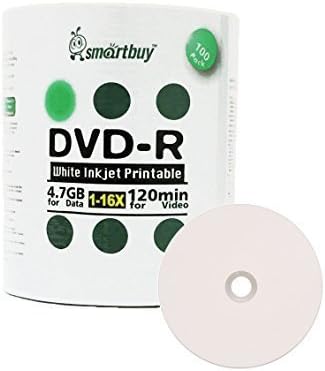
The Smart Buy 100 Pack DVD-R 4.7GB 16X White Printable Inkjet Disc is a budget-focused bulk option for home archivists and small duplication projects. It provides 100 write-once DVDs, each with 4.7GB capacity, a stated 120-minute video capacity, and support for recording up to 16X.
We may earn a commission when you buy through this link, at no additional cost to you.
The white inkjet hub-printable surface allows direct color printing with compatible disc printers. It can also be labeled with a marker, offering a practical fallback when custom printer artwork is unnecessary. The listing states that a full disc can be burned in roughly six to seven minutes with a 16X-capable writer, depending on the source and device.
Compatibility is listed for DVD writers, video players, and DVD-ROM drives, while the write-once design is intended for preserving videos, photos, music, email, and other files. The shrink-wrapped packaging is compact, but a spindle may be easier to handle. Detailed warranty information is not provided in the supplied listing.
This product makes sense for preserving large batches of family media, course files, or duplicate video collections on a straightforward standard format. Buyers should confirm their printer supports direct disc printing and retain separate backups of important files. It is a practical alternative when a large quantity and basic labeling are the priorities.
Direct inkjet printing supports polished custom labels, while the marker-friendly surface offers a simpler fallback. That versatility is useful when only part of a collection needs detailed artwork.
The stated six-to-seven-minute burn time applies with compatible 16X hardware and reflects the listing's performance claim. Actual results can vary with the writer, media, source, and recording settings.
We may earn a commission when you buy through this link, at no additional cost to you.
The most useful printable DVD R disc depends on the format of the project, amount of media needed, type of printer, playback equipment, and desired storage duration. Reviewing these factors before ordering helps prevent compatibility problems and ensures the purchase remains practical.
Most buyers looking specifically for printable DVD R discs will want a standard DVD-R product, but the guide also includes DVD+R and DVD+R DL alternatives. DVD-R and DVD+R are write-once formats, and they behave differently in various drives and authoring systems. If a project specification explicitly requires DVD-R, confirm that label before purchasing a DVD+R alternative.
Standard 4.7GB DVD-R discs are sufficient for many photo collections, short videos, and moderate data sets. A dual-layer 8.5GB DVD+R DL disc can hold substantially more and may reduce the number of physical media needed for long-form content. Dual-layer discs require compatible burners and should be checked against the target playback hardware.
Most standard discs in this guide support recording up to 16X, while the featured dual-layer option supports up to 8X. Faster supported speeds can shorten duplication time, but actual results depend on the writer, source quality, file size, and software. Choose a speed the equipment genuinely supports rather than focusing only on the printed maximum.
Inkjet hub-printable discs provide a larger white area than conventional label-only media, allowing artwork to extend toward the center and hub. The featured products emphasize edge-to-edge or full-width printing, rapid drying, and high-resolution results. Check the print area, printer model, ink behavior, and artwork margins before preparing a production run.
Pack sizes in this guide range from 25 to 100 discs. Smaller spindles suit focused projects, while 100-disc packs reduce replenishment for schools, businesses, clubs, and duplication workflows. Spindles are convenient for handling individual discs, whereas shrink wrap can be more compact for shipping or bulk storage. Choose the quantity that matches expected use.
A disc that burns successfully is not automatically ideal for every destination. Check compatibility among the recording drive, computer, DVD-ROM drive, external player, gaming system, and any hardware used by the recipient. Dual-layer media needs particular attention, while standard 4.7GB DVD-R generally has a well-established compatibility profile.
Several listings make archival-life claims, but retention also depends on storage conditions and the quality of the original drive. Keep discs in cases, away from heat, humidity, direct sunlight, dust, and mechanical stress. Maintain separate digital backups for anything irreplaceable, because no optical disc should be the only copy of critical information.
Begin by confirming that the computer, desktop or external DVD writer, authoring software, and inkjet disc printer support the selected format. For dual-layer media, verify that the writer and intended players can handle it. Test a single disc with representative files before producing a full batch, and check the final menu, video playback, audio, and printed label before duplicating the remaining discs.
Design artwork for the actual printable area and follow the printer manufacturer's ink coverage and drying guidance. Avoid placing critical text too close to the outer edge or the center hub, and allow enough time for the ink to dry before handling. When burning, use a moderate speed first if quality is the priority, verify the completed disc, and then increase the speed for routine duplication when the hardware and media perform consistently.
After recording, handle discs by the edges, keep the printed surface clean, and store each disc in its own case or sleeve. Place the collection away from excessive heat, moisture, sunlight, and dust. Periodically sample discs for readability and condition, and keep another copy of irreplaceable files in a separate location or on another storage medium.
Hub printable means the white inkjet surface extends across most or all of the disc, including the central hub area. This provides more room for artwork than a small label and allows more precise positioning. Compatible inkjet disc printers are still required, and the printer's supported printable area should be checked before production.
No. DVD-R is a write-once format, so data cannot normally be erased and replaced after finalization. Users should organize and verify all files before burning, then keep separate backups of important material. DVD-RW and DVD+RW are different rewritable formats and are not the same as these printable DVD-R options.
A standard paper inkjet printer generally cannot print directly onto optical discs. Direct disc printing requires a dedicated inkjet disc printer or a compatible multifunction model with disc-printing support. Buyers should confirm that their printer is qualified for the exact disc and printable format before ordering.
They are related optical formats but are not identical, and compatibility can vary by drive, player, and authoring software. Most modern equipment handles both, but older hardware may be limited. If a project or recipient specifically requires DVD-R, verify the requirements and choose the matching format rather than assuming interchangeability.
A higher maximum speed does not automatically mean better quality. Actual results depend on the writer, source media, file size, software, and whether the disc is duplicated at maximum speed. A lower supported speed can reduce errors, while compatible hardware may complete routine burns quickly at higher speeds.
Many standard players can read dual-layer DVD+R DL media, but compatibility is not universal. The listing specifically states support for most standard DVD players. Buyers should confirm the model of every important destination player and avoid using dual-layer discs when playback across older or highly specialized equipment is essential.
Store the discs in individual cases or sleeves inside a cool, dry, dark location. Avoid heat, humidity, direct sunlight, dust, and bending or touching the printed surface. Long-term storage claims still depend on proper handling, and irreplaceable files should always have a separate backup.
Calculate the source size, account for authoring overhead and final output, and divide that estimate by the capacity available on each disc. A 4.7GB disc may hold up to 120 minutes of conventional video, while an 8.5GB dual-layer disc can hold approximately four hours. Burning a test and checking the result is the safest way to determine the exact number required.
The Verbatim DataLifePlus DVD-R 4.7GB 16X Hub Printable Discs, 50 Pack stands out as a balanced budget-oriented choice, while the 100-disc Verbatim White Inkjet Printable DVD-R spindle is the strongest all-around option for volume. The LifeSeries DVD+R DL model takes the premium position for buyers who need 8.5GB per disc and can support dual-layer hardware.
For most standard projects, prioritize a confirmed 4.7GB DVD-R format, 16X support, a broad white printable area, and compatibility with the exact writer and printer in your workflow. Choose a smaller spindle for a bounded project, a 100-disc pack for recurring duplication, and dual-layer media only when its larger capacity justifies the extra hardware consideration.
Before ordering, check the current listing details, supported devices, package quantity, and available options. Prices and availability can change, so compare the latest offer at the time of purchase and avoid rushing into a bulk order without confirming that the intended printer and playback equipment support the chosen format.